 Name Design
Name Design
Name Design
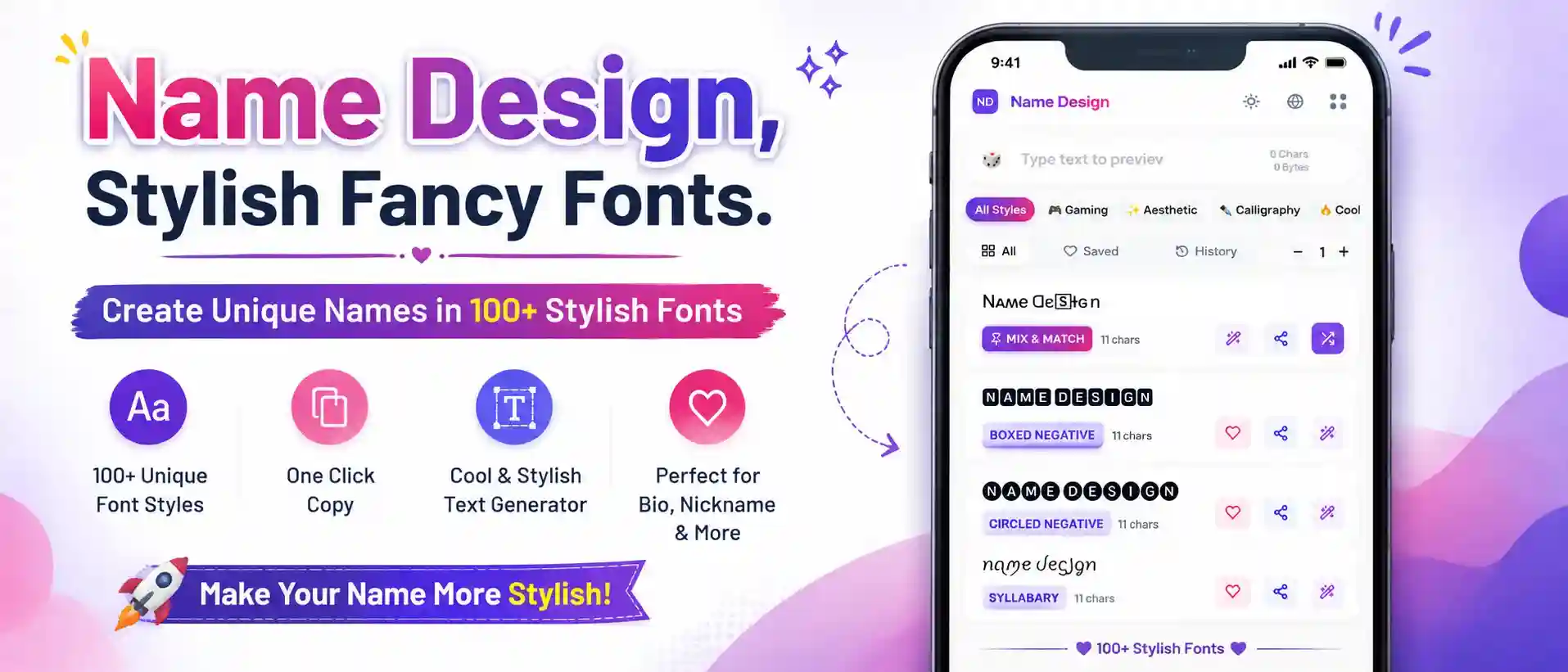
Generate stylish Facebook fonts and cool text for your FB bio, groups, and status updates. Copy and paste bold letters, cursive writing, and unique symbols instantly.
When you scroll through your Facebook feed, everything looks exactly the same. The same standard font, the same blue and white layout, the same endless stream of uniform text blocks. If you are trying to grab someone's attention—whether you are making a personal announcement, promoting a small business in a Facebook Group, or just updating your profile bio—the default text simply blends in.
Welcome to the Facebook Font Generator. This tool allows you to break the monotony of the standard Facebook interface. By converting your normal typing into heavy bold letters, elegant cursive scripts, or eye-catching boxed text, you can ensure your posts and profile are the ones that actually make people stop scrolling.
You might be wondering how you can use different fonts on Facebook when the app doesn't give you a "font menu." The secret is that we aren't generating actual font files; we are utilizing Unicode.
Unicode is the universal standard that tells computers how to display text. Deep within this massive digital dictionary are thousands of special symbols that are designed to look like the English alphabet, but with distinct styles (like mathematical bold letters or cursive linguistic symbols).
When you type your text into our generator, it swaps your normal letters for these special Unicode characters. Because the Facebook website and mobile app process these characters as standard text (just like they process an emoji), you can easily copy and paste them into your statuses, bio, and comments, bypassing Facebook's formatting limits completely!
Not every font is appropriate for every situation. Here are the most effective styles for upgrading your Facebook presence:
While you can use these fancy fonts freely in your bio, comments, and statuses, you must be very careful about trying to change your actual Facebook Profile Name.
Facebook has a notoriously strict "Real Name Policy." Their automated systems actively look for symbols, unusual capitalization, and non-standard characters in the First Name and Last Name fields. If you attempt to change your actual profile name to a heavily stylized Unicode font (like 𝐉𝐨𝐡𝐧 𝐒𝐦𝐢𝐭𝐡), Facebook will likely reject the change or, in some cases, temporarily lock your account and ask for ID verification.
The Solution: Leave your primary Facebook profile name in standard text. Instead, use these cool fonts in your "Other Names" / "Nickname" field (which appears in parentheses next to your real name), your Intro bio, and your posts!
A bold word is great, but pairing it with the right symbols creates a masterpiece. Once you generate your text in the grid above, click the purple Decorate (wand) icon on the font card.
This opens our curated library of text ornaments. You can quickly wrap your bold headlines in aesthetic brackets like 【 𝗔𝗻𝗻𝗼𝘂𝗻𝗰𝗲𝗺𝗲𝗻𝘁 】, or flank your cursive bio with soft sparkles like ✨ 𝒲𝑒𝓁𝒸𝑜𝓂𝑒 𝓉𝑜 𝓂𝓎 𝓅𝒶𝑔𝑒 ✨. It’s the easiest way to design professional-looking posts without graphic design software.
Everything you need to know about customizing your text on FB.
Yes! Just like the main Facebook app, Messenger fully supports Unicode. You can generate a fancy message, copy it, and paste it directly into a chat to surprise your friends.
This visual bug is called "Tofu." It means the phone or browser of the person viewing your post is outdated and doesn't have the font files necessary to render the complex mathematical Unicode characters. To ensure everyone on Facebook can read your posts, stick to the highly compatible "Sans-Serif Bold" and standard "Cursive" styles.
Yes, they can be. If you run a business page or a public group, do not write your main searchable keywords in fancy text. Facebook's search engine looks for standard letters. If you name your group "🄱🅄🅈 & 🅂🄴🄻🄻", people searching for "Buy & Sell" might not find it. Use fancy text for aesthetics, but keep your important searchable words in regular text.
If you are writing a list on a Facebook post, using our "Boxed" or "Circled" text styles for the numbers or first letters is a great idea. Simply type the number into our generator, find the Boxed style, copy it, and paste it at the start of your line on Facebook!