 Name Design
Name Design
Name Design
Generate and copy cool text symbols, rare Unicode characters, and elegant text ornaments. Enhance your gaming names, Discord channels, and social media bios instantly.
In a digital world completely saturated with brightly colored, standard yellow emojis, text-based symbols have made a massive comeback. They offer a level of refinement, edge, and customization that native Apple or Android emojis simply cannot match.
Welcome to the Symbols Generator hub. Whether you are looking for the perfect aesthetic sparkles to decorate your Instagram bio, sharp brackets to organize your Discord server, or the iconic "sweaty" gaming cross to put at the end of your PUBG username, we have compiled the internet's most comprehensive library of copy-and-paste text ornaments.
You might be asking: "Why should I use text symbols when my phone has a built-in emoji keyboard?"
The answer is control and aesthetic. Standard emojis (like 🍎 or 😂) are essentially tiny, pre-rendered image files. You cannot change their color, you cannot change their shading, and they look entirely different depending on whether your viewer is using an iPhone, an Android, or a Windows PC.
Text symbols (like ★, ꧁, or ༒) are actual typographical characters pulled from the universal Unicode library. This means they behave exactly like the letters A, B, and C. They will perfectly match the color, font weight, and size of the text surrounding them. If you type in a dark-mode app, the symbol turns white. If you apply a glowing pink CSS style to a webpage, the symbol glows pink. They integrate flawlessly into your design.
The Unicode dictionary is massive, containing characters from dead languages, complex mathematics, and musical notation. Here is how modern internet culture utilizes them:
While our generator creates beautiful base fonts, the real magic happens when you combine them with symbols. We have made this incredibly easy.
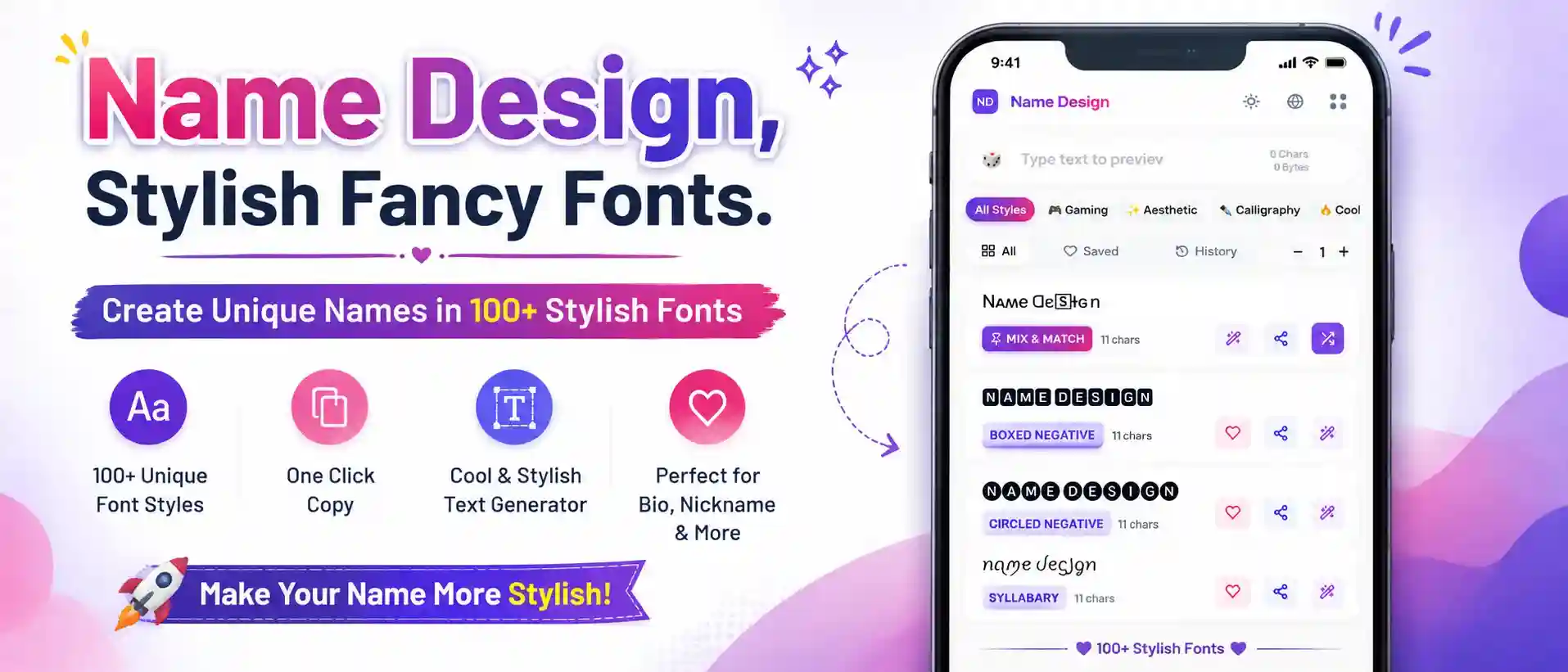
Once you generate your name in the list above, simply click the purple Decorate (wand) icon on any font card. This opens a curated menu of symbol wrappers. With one click, you can surround your text with angel wings, gaming brackets, or a shower of stars. You don't have to awkwardly try to copy and paste symbols to the front and back of your word manually!
Here are a few places where utilizing rare text symbols will give you an immediate visual upgrade:
If you run a Discord server, standard channel names like #general-chat are boring. Use symbols to create a structured, beautiful navigation menu: 『💬』・general. Using brackets and dot-joiners keeps everything perfectly aligned.
Many games require unique usernames, meaning your real name is probably already taken. Instead of adding numbers to the end of your name (like John123), use a rare symbol! A name like J o h n 么 is much cleaner, more unique, and bypasses the taken-name filter.
Instead of writing out full words for your Instagram Story Highlights, use a single, elegant Unicode symbol (like ⚝, ☾, or 🜲) as the title. It creates an incredibly minimalist, high-end look for your profile.
Everything you need to know about using Unicode characters and text ornaments.
Unicode is the international standard for encoding text. Before Unicode, computers used different codes for different languages, which caused massive translation errors. Unicode created one giant library (with over 140,000 characters) so that a symbol typed on a computer in Japan looks exactly the same on a smartphone in the United States.
This error is known as "Tofu." While Unicode is a universal standard, your specific device (or the app you are using) still needs a font file installed to actually *draw* the symbol on your screen. If you are using a very old Android phone or an outdated app, it might not know how to draw a rare symbol, so it shows an empty box instead.
Yes, but there are limits! Games like Free Fire accept almost all complex symbols (like the popular ༒ cross and ꧁ wings). BGMI is much stricter; it blocks complex decorators and limits names to 14 characters. For BGMI, stick to simple Asian characters (like 么 or ズ) or basic Greek symbols!
If used incorrectly, yes. You should never replace actual words with symbols in a website title or a YouTube video title, because search engines will not be able to read them. However, using a symbol as a decorative divider (e.g., "My Video Title ✦ Review") is perfectly safe and can actually improve click-through rates!
Many games block the regular spacebar. To get around this, players use the "Hangul Filler" (an invisible Unicode character). If you visit our 🎮 Gaming category page, we have a dedicated one-click "🧊 Insert Blank" button right below the text input box to generate this for you!