 Name Design
Name Design
Name Design
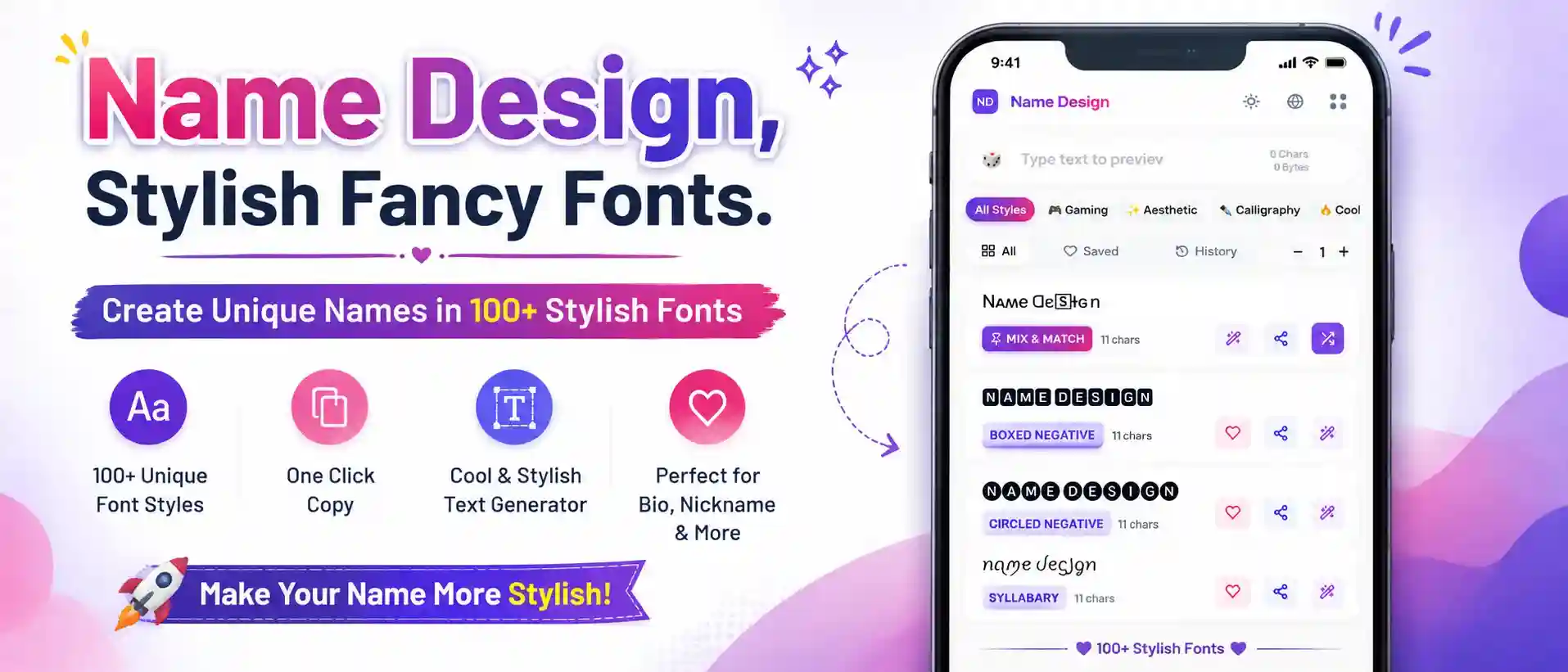
Generate stylish WhatsApp fonts, cool text, and aesthetic symbols. Easily copy and paste custom letters to elevate your WA About bio, group names, and chat messages.
WhatsApp is the most widely used messaging app on the planet. But despite its massive popularity, the customization options for your text are incredibly limited. Sure, you can change your chat wallpaper, but your Profile Name, your "About" section, and your group chat titles are all stuck in the same default, uninspired system font.
Welcome to the WhatsApp Font Generator. This tool allows you to break out of the standard formatting bubble. By converting your regular typing into stunning Unicode characters, you can generate elegant cursive bios, heavy bold group names, and aesthetic text messages that will have all your contacts asking, "How did you do that?"
You might already know that WhatsApp has a few "secret" built-in text tricks. If you put an asterisk before and after a word like *this*, it becomes bold. If you use underscores _like this_, it becomes italicized.
However, there is a massive catch: This native markdown formatting ONLY works inside active chat messages. You absolutely cannot use asterisks to make your WhatsApp Profile Name or your "About" bio bold. If you try, the asterisks will simply stay visible and ruin the look.
Our generator solves this problem entirely. Instead of relying on WhatsApp's internal code, we use Unicode Symbols. These are completely separate characters that are *naturally* bold, italic, or boxed by default. Because WhatsApp reads them as regular letters, you can safely copy and paste them directly into your Profile Name, your Bio, and Group Titles!
Your WhatsApp "About" section (formerly known as your Status) is prime real estate for self-expression. You have 139 characters to define your vibe. Here are the most effective font styles to use:
ᴘʜᴏᴛᴏɢʀᴀᴘʜᴇʀ ✦ ᴅᴇsɪɢɴᴇʀ).If you are the admin of a family group, a school project, or a gaming squad, you know how easily a group chat can get lost in a cluttered inbox. Renaming your group using a stylish font is the best way to make it instantly recognizable.
Instead of naming your group "Weekend Plans", generate a heavy, stylized version like 【 𝕎𝕖𝕖𝕜𝕖𝕟𝕕 ℙ𝕝𝕒𝕟𝕤 】 or 🔥 𝗙𝗔𝗠𝗜𝗟𝗬 𝗖𝗛𝗔𝗧 🔥. Don't forget to use the purple Decorate wand icon on our font cards to add aesthetic brackets, sparkles, and cool symbols to the group title!
Everything you need to know about customizing your text on WA.
Yes! WhatsApp allows a wide variety of Unicode characters in your Profile Name. Unlike some platforms with strict "Real Name" policies, WhatsApp is generally very lenient, meaning you can easily rock a Double Struck or Cursive display name to your contacts.
No, they are completely safe. The fonts generated here are standard Unicode symbols supported by almost all iOS and Android devices. The only exception is extremely heavy "Zalgo" or "Glitch" text—if you spam massive amounts of glitch text in a chat, it might cause an older phone to lag for a second, but it will never cause permanent damage or viruses.
This visual bug is called "Tofu." It means the phone or operating system of the person viewing your message hasn't updated its font library to support those specific rare characters. To ensure everyone in your group chat can read your messages, stick to universally supported styles like Sans-Serif Bold, Small Caps, and standard Cursive.
The "Blue Text" font (like 🇧 🇱 🇺 🇪) is actually made from Regional Indicator Symbols (used for emojis). While they look great on many platforms, be careful on WhatsApp: if you type certain letters together (like U and S), WhatsApp might automatically convert them into a country flag 🇺🇸! Put spaces between them to keep them as letters.