 Name Design
Name Design
Name Design
Generate aesthetic Instagram fonts, stylish bio text, and cool IG captions. Effortlessly copy and paste custom letters and unique symbols to make your Instagram profile stand out.
Instagram is an inherently visual platform. Every day, millions of creators spend hours perfecting their photos, choosing the right filters, and matching their grid colors. But when it comes to the text—their Display Name, Bio, and Captions—most people settle for the boring, default system font.
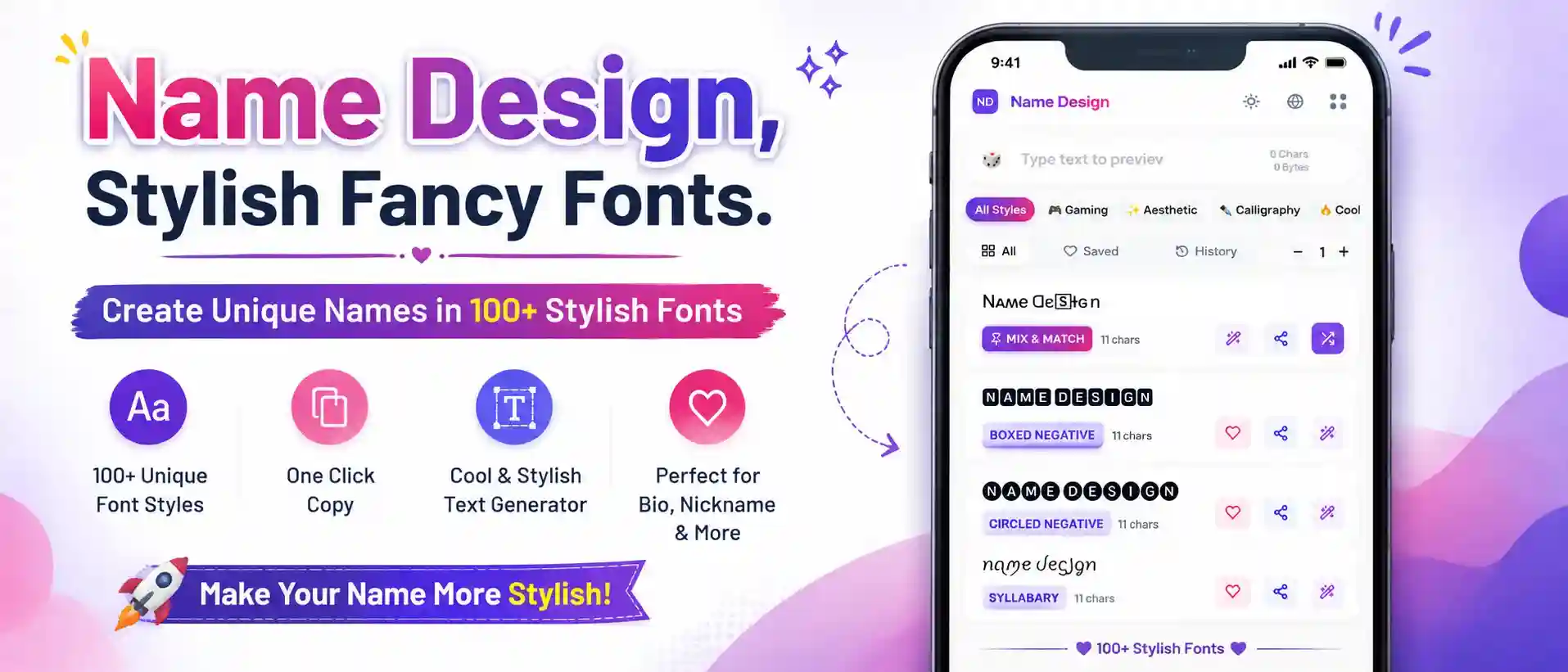
If you want to truly brand yourself, you need your typography to match your aesthetic. Welcome to the Instagram Font Generator. This tool instantly converts your standard keyboard text into beautiful, custom lettering. Whether you want a clean minimalist look for a photography portfolio or a cute cursive script for a personal lifestyle blog, we provide the copy-and-paste magic to upgrade your IG presence instantly.
If you've ever tried to change the font in the Instagram app settings, you know it’s impossible. Instagram forces everyone to use the same system font. So, how are thousands of influencers getting cursive names and bold bios?
The secret is Unicode. Unicode is the universal computer language that dictates how text is processed globally. Alongside the normal English alphabet, Unicode contains thousands of special "alphanumeric" symbols originally designed for mathematicians and linguists.
When you type into our generator, it automatically swaps your normal letters for these visually stunning Unicode alternatives. Because the Instagram app just reads them as standard text symbols (like an emoji or a Chinese character), it allows you to paste them anywhere—bypassing the app's default font restrictions completely!
Different profiles require different energies. Depending on your niche, here are the most effective text styles you can generate and paste into Instagram:
Using fancy text is all about balance. If you use it too much, your profile becomes unreadable. Here is exactly where you should (and shouldn't) place your new fonts:
You have an @username (your handle) and a Display Name (the bold name that appears on your profile). Never try to put fancy text in your actual @username. Instead, use a custom font for your Display Name. It’s the first thing people see when they land on your page!
Break up your 150-character limit with style. Instead of writing a messy paragraph, create an organized list using Small Caps and subtle symbols:
ᴀʀᴛɪsᴛ ✦ ɴʏᴄ
ᴄᴏғғᴇᴇ & ᴄᴀɴᴠᴀsᴇs
ʟɪɴᴋ ʙᴇʟᴏᴡ ⤶
Story Highlights sit directly under your bio. Instead of naming them "Travel" and "Food", use tiny text, or skip words altogether and use beautiful Unicode symbols from our Decorate menu (like ☾ or ✧) for an ultra-minimalist look.
Everything you need to know about customizing your IG bio and captions.
No, using Unicode fonts will not get you shadowbanned. Millions of users utilize these characters globally. However, if you use heavily glitched "Zalgo" text that crashes the app, or if you use symbols to bypass automated curse-word filters, Instagram may flag your account. Stick to the clean, aesthetic fonts and you are perfectly safe.
Yes, it can. Instagram's search engine relies on standard text. If your Display Name is "𝒥𝑜𝒽𝓃 𝒮𝓂𝒾𝓉𝒽", someone searching for "John Smith" using a normal keyboard might not find you, because the system sees different mathematical symbols. It is best to use fancy fonts for aesthetic flair in your bio, but keep your primary searchable keywords in standard text.
This visual bug is called "Tofu." It means the device looking at your profile is too old or hasn't updated its font library to support those specific Unicode characters. If you want to ensure 100% of your followers can read your bio, stick to universally supported styles like "Small Caps", "Serif Bold", or standard "Cursive".
You don't need to hunt for them on Google! Generate your text, click the purple "Decorate" (wand) icon on the font card, and browse the aesthetic categories. You can instantly wrap your text in sparkles, aesthetic brackets, or minimalist symbols before copying it to Instagram.